

Why it matters
Your agents act for you. Later, someone asks you to prove what they did: an auditor, a regulator, an insurer or a counterparty. A log that you control does not prove it to them, because you could have changed it. Sanning gives them something they can check for themselves.How it works
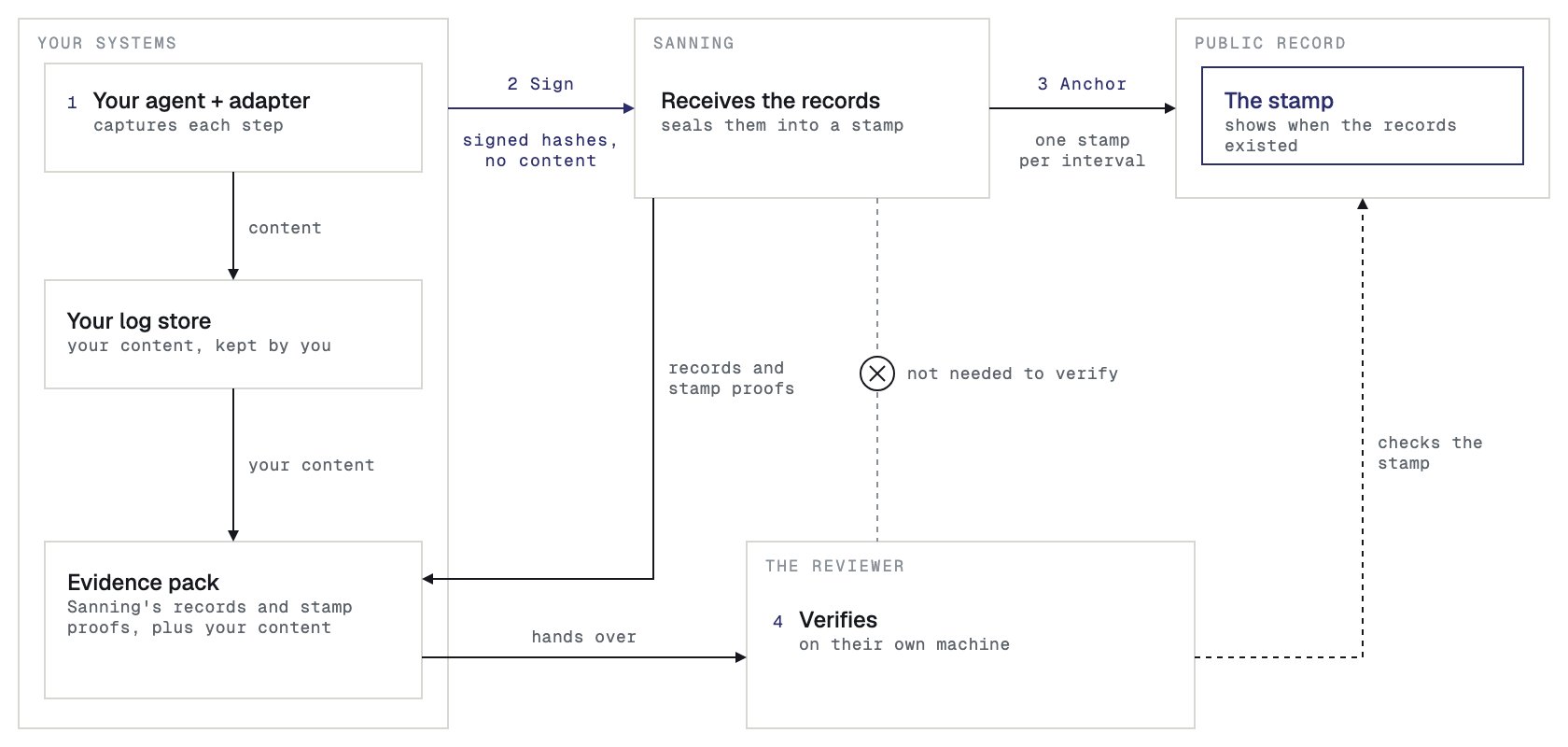
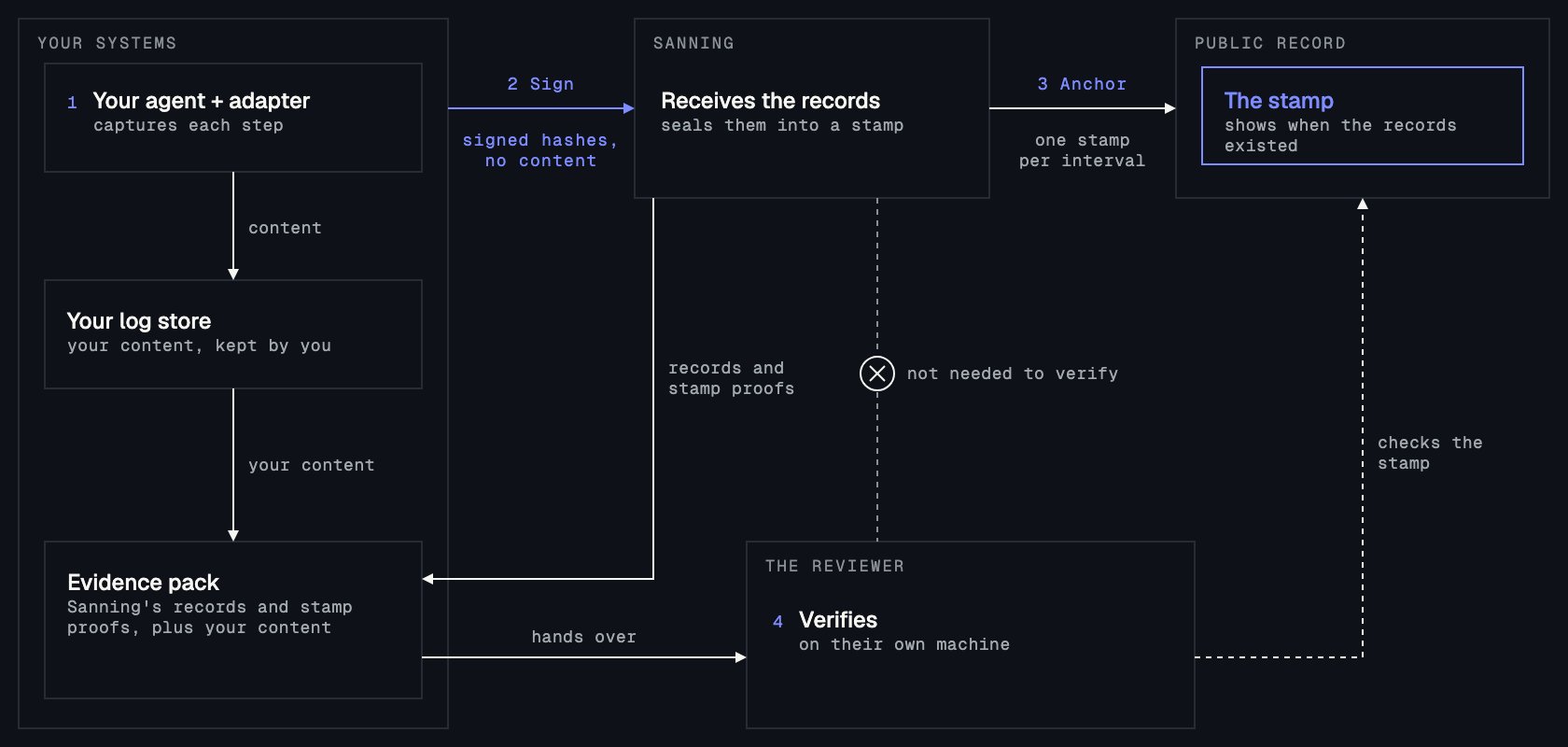
- Capture. An adapter watches your agent’s framework and turns each step into a record. The content of each step goes to your own log store, which is storage that you control.
- Sign. Your agent signs each record with its signing key. Sanning receives the signed record. The record holds hashes of your content, never the content.
- Anchor. Every 10 minutes, at the end of an interval, Sanning seals the records of that interval into one stamp and publishes the stamp to the public record.
- Verify. You build an evidence pack for a case and give it to a reviewer. The reviewer checks it on their own machine and needs no account. See Verify an evidence pack.
Core ideas
Each record carries its case ID permanently, and nobody can change or withdraw it. Use an ID that means nothing outside your systems, such as
case-4b19de, and keep names and other personal data out of it.
SDKs and adapters
Sanning’s SDKs, for TypeScript and JavaScript and for Python, are the packages that sign each record and send it to Sanning. An adapter connects the SDK to your agent framework, so you write no records by hand. The Quickstart has the install commands. MCP and OpenTelemetry (OTEL) ingest APIs are on the roadmap.How trust works
Your content stays in your log store, and Sanning receives only the signed records. The public record is an independent witness: it confirms when each record existed, and Sanning does not control it. If anyone changes a record later, including you or Sanning, the check fails. You build the evidence pack from two halves: Sanning’s records and stamp proofs, and your own content. A reviewer needs the pack and nothing from Sanning, and the verifier checks it on their own machine. To also confirm each stamp on the public record, the reviewer gives the verifier the address of a public gateway, a web server that serves the public record. Without that lookup, the report saysWitness: Not checked. The command line check uses no Sanning server. The verify page looks up the stamps through a Sanning server. To check them yourself, use the command line with a gateway that you choose.
A Verified verdict says that the records are the ones your agent signed, that none has changed since, and that stamps cover them. It does not say that the agent decided well, or that what it recorded is true. The people who review the case decide that. For what the verifier checks, see Verify an evidence pack.
Built on standards
Next
Quickstart
Make an API key and a seed for your signing key, and install the SDK.
Verify an evidence pack
For reviewers: verify a pack on your own machine, with no account.